
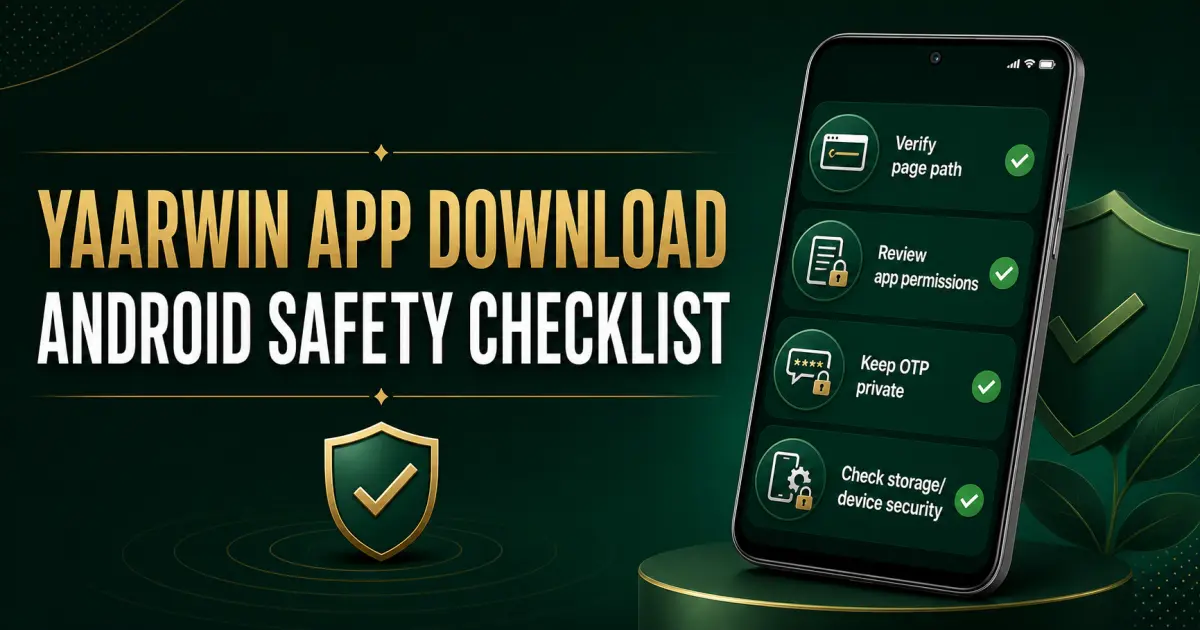
YaarWin app download searches often start with one simple goal: get mobile access quickly. The safer approach is to slow down for a few minutes and review the page path, file source, requested permissions and account setup before installing anything. These checks cannot remove every risk, and they do not promise a trouble-free account, but they can reduce avoidable mistakes.
1. Confirm the page path before downloading
Do not treat a forwarded chat link, shortened URL or old screenshot as proof that a file is current. Open the page deliberately, read the address, and compare it with a known YaarWin guide path. If the address changes unexpectedly, the page uses pressure language, or a download begins without a clear action, stop and re-check.
- Avoid files sent by unknown contacts.
- Do not install two similarly named files to “see which works.”
- Keep the source page available until installation checks are complete.
- Use the short app-download guide for route context, not as a claim that every external file is safe.
2. Review the Android file prompt
Android may show the file name, file type or a warning before installation. Read it. A user who taps through every warning cannot later explain which file was installed. Record the file name and time if you need a clean support trail. If the prompt looks different from the expected flow, cancel rather than guessing.
3. Check permissions against the app’s purpose
Permissions deserve a reason. Storage or notification access may have an understandable use in some flows, while contacts, microphone, accessibility control or unrelated background access needs closer scrutiny. Deny or pause when the purpose is unclear. Do not weaken device security simply because an install prompt tells you to hurry.
4. Protect OTPs, passwords and saved sessions
An OTP is temporary access information, not something to forward to a helper or paste into a public chat. Use one private device where possible, avoid saving credentials on a shared phone, and close old sessions when changing devices. If an OTP is delayed, do not create a rapid retry loop; note the time and read the login and OTP troubleshooting guide.
5. Keep Android and Play Protect checks active
Install operating-system security updates before adding a real-money app. Keep screen lock enabled, avoid rooted or heavily modified devices for account access, and review Android’s security scan results. Turning protection off permanently to complete one install creates a larger problem than the download solves.
6. Check storage, network and device ownership
Low storage can interrupt installation or updates. An unstable public network can also create confusing retries. Use a device you control, clear enough storage for the app and future updates, and prefer a stable private connection. Do not mix personal account access with a borrowed phone unless you can remove the session and saved data afterwards.
7. Separate installation from registration and payment
Installing an app does not mean you must immediately register, deposit or claim a bonus. Treat each as a separate decision. Review the invite-code context, check account details carefully, and understand payment and withdrawal requirements before adding funds. Bonus wording should never replace a budget or a reading of current terms.
8. Save a small support-ready record
If something fails, support needs a readable timeline rather than a pile of unrelated screenshots. Note the device model, Android version, page path, file name, time, exact error and one clear screenshot. Never include a password or live OTP. The customer-care preparation guide explains how to organise a concise case.
9. Re-check after installation
Open Android app settings and review permissions again. Remove access that is not needed, confirm notifications behave as expected, and watch for unusual battery or data activity. If the app redirects to an unfamiliar page or requests new sensitive access without context, stop using it until the path is understood.
10. Set limits before the first session
Technical checks do not make real-money play predictable. Decide a fixed entertainment budget and session time before opening any game. Do not chase losses, borrow to play, or treat a bonus as guaranteed value. If a download problem creates frustration, pause instead of making a deposit as a reaction.